Structuring Modern Web Portals: Balancing Core Use Cases and Homepage Design
A comprehensive guide on structuring website architecture and homepage design to seamlessly accommodate diverse user scenarios and primary workflows. The Evolution of Digital Navigation and Entry Points In modern digital architecture, a homepage serves as much more than an aesthetic storefront. It acts as the central traffic controller for varying user personas, each arriving with …
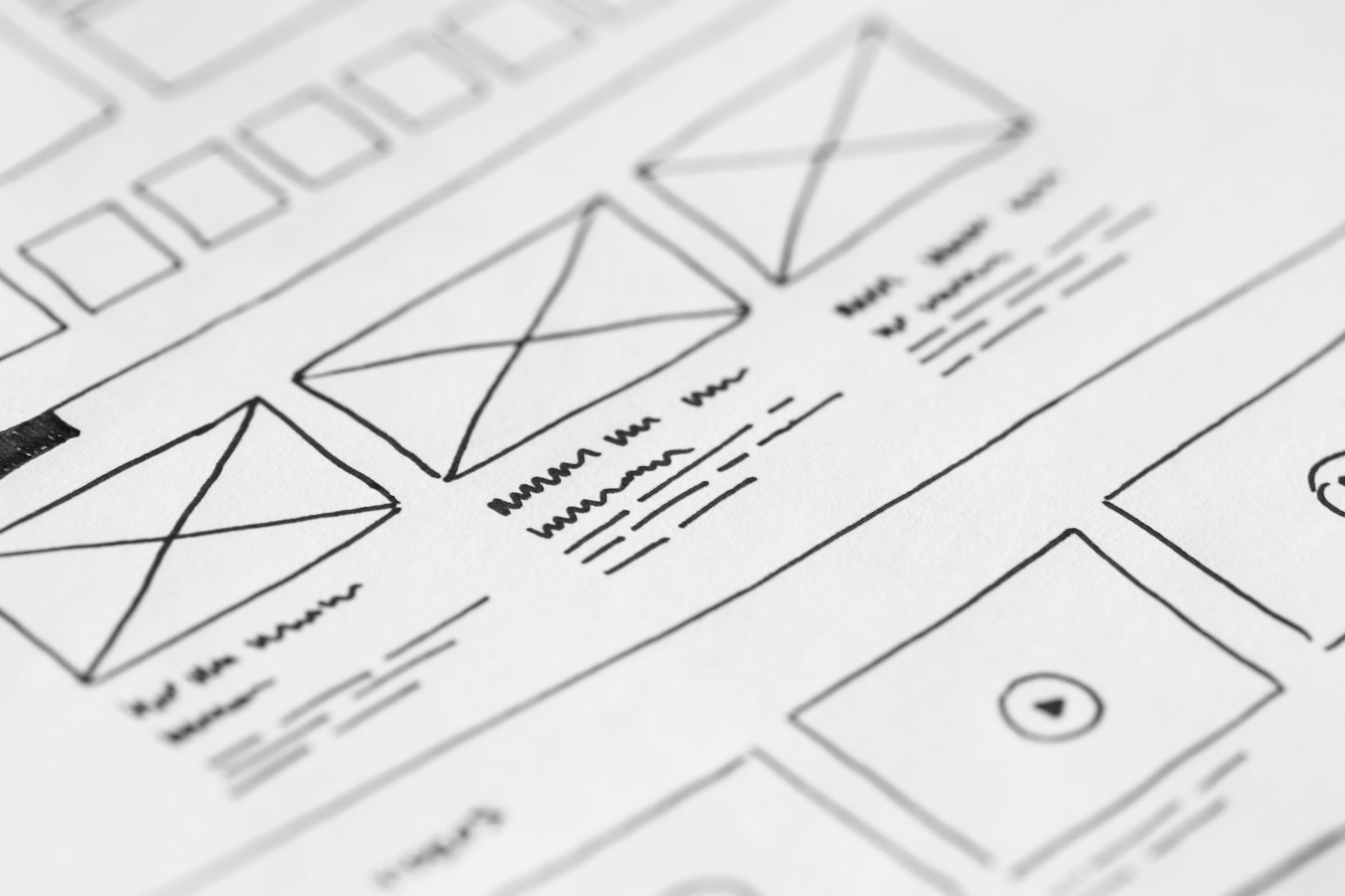
A comprehensive guide on structuring website architecture and homepage design to seamlessly accommodate diverse user scenarios and primary workflows.
The Evolution of Digital Navigation and Entry Points
In modern digital architecture, a homepage serves as much more than an aesthetic storefront. It acts as the central traffic controller for varying user personas, each arriving with distinct motivations, expectations, and urgency levels. When architects attempt to cater to everyone with an identical entry point, cognitive load increases, and critical user flows become obscured.,Effectively organizing primary interaction pathways requires identifying core user objectives before writing a line of code or designing an interface. When platforms segment their primary pathways into structured usage models, visitors can instantly identify their intended direction without friction.
Analyzing Primary User Flows: Core vs. Secondary Utility
Every successful digital product typically serves multiple usage archetypes. For instance, a platform might cater to exploratory newcomers who need educational content while simultaneously serving high-frequency operators who require immediate task execution.,Categorizing user journeys into discrete pathways—such as primary exploration and specialized functional execution—enables designers to prioritize navigational real estate. Secondary workflows should never clutter primary action triggers; instead, they should live in intuitive secondary hierarchies that remain discoverable without being disruptive.
Designing the Homepage as a Dynamic Launchpad
A high-performing homepage balances discovery with utility. Rather than overwhelming users with exhaustive feature catalogs, the layout should emphasize clear pathways to primary user scenarios.,Strategic placement of visual signposts, concise labeling, and progressive disclosure ensures that first-time visitors find contextual guidance while returning users bypass promotional overhead to access functional tools directly.
Best Practices for Seamless Wayfinding Across Use Cases
To keep cross-functional journeys efficient, implement intuitive visual cues and modular page structures. Establish distinct visual identities for separate functional modes to orient users quickly within complex applications.,Additionally, robust user feedback mechanisms, such as contextual breadcrumbs and clear navigation anchors, help users transition between different usage tiers without losing their place in the broader workflow.
Conclusion
Aligning homepage architecture with targeted user workflows transforms a static landing environment into an effective, conversion-driven navigation hub.,By deliberately segregating multiple use cases and providing intuitive paths for each audience segment, organizations enhance usability, reduce bounce rates, and foster sustained product engagement.
Image Credit:
picjumbo.com
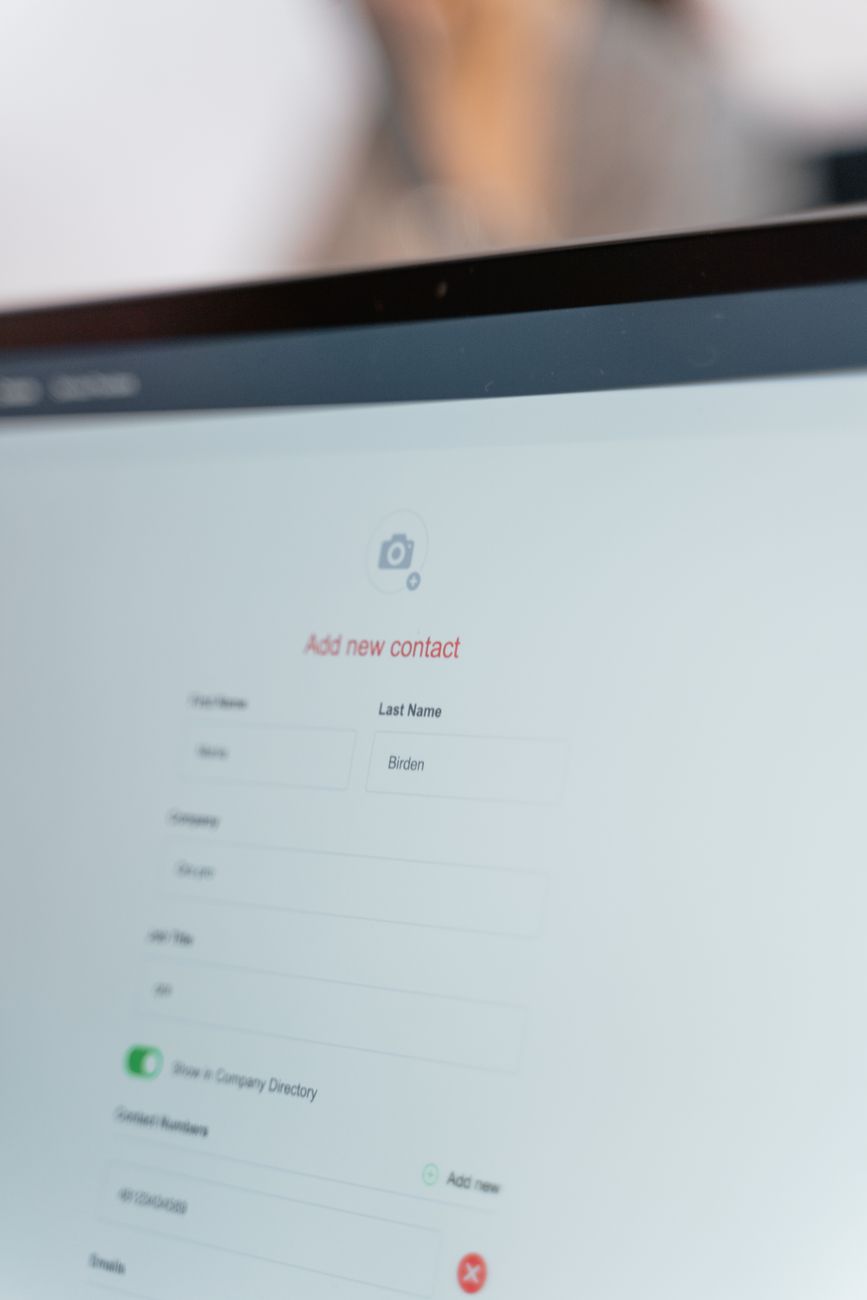
Optimizing Modern Web Applications: From Homepage Discovery to Core Usage Workflows
Read
Modern Software Integration: Architectural Patterns and Best Practices
Read
Optimizing Modern Web Applications: Balancing Homepage Experience with Deep Functional Workflows
ReadPut ideas to work.
If this sparked something, the next step is a short conversation.