Mastering Digital Workflows: From Homepage Navigation to Core Application Use Cases
A comprehensive guide exploring how modern digital platforms structure navigation, onboarding, and primary usage models to maximize daily productivity. The Evolution of Digital Navigation and Usage Paradigms Navigating modern software platforms requires a clear understanding of interface architecture. Whether interacting with enterprise software or daily consumer applications, users encounter structured touchpoints designed to move them …
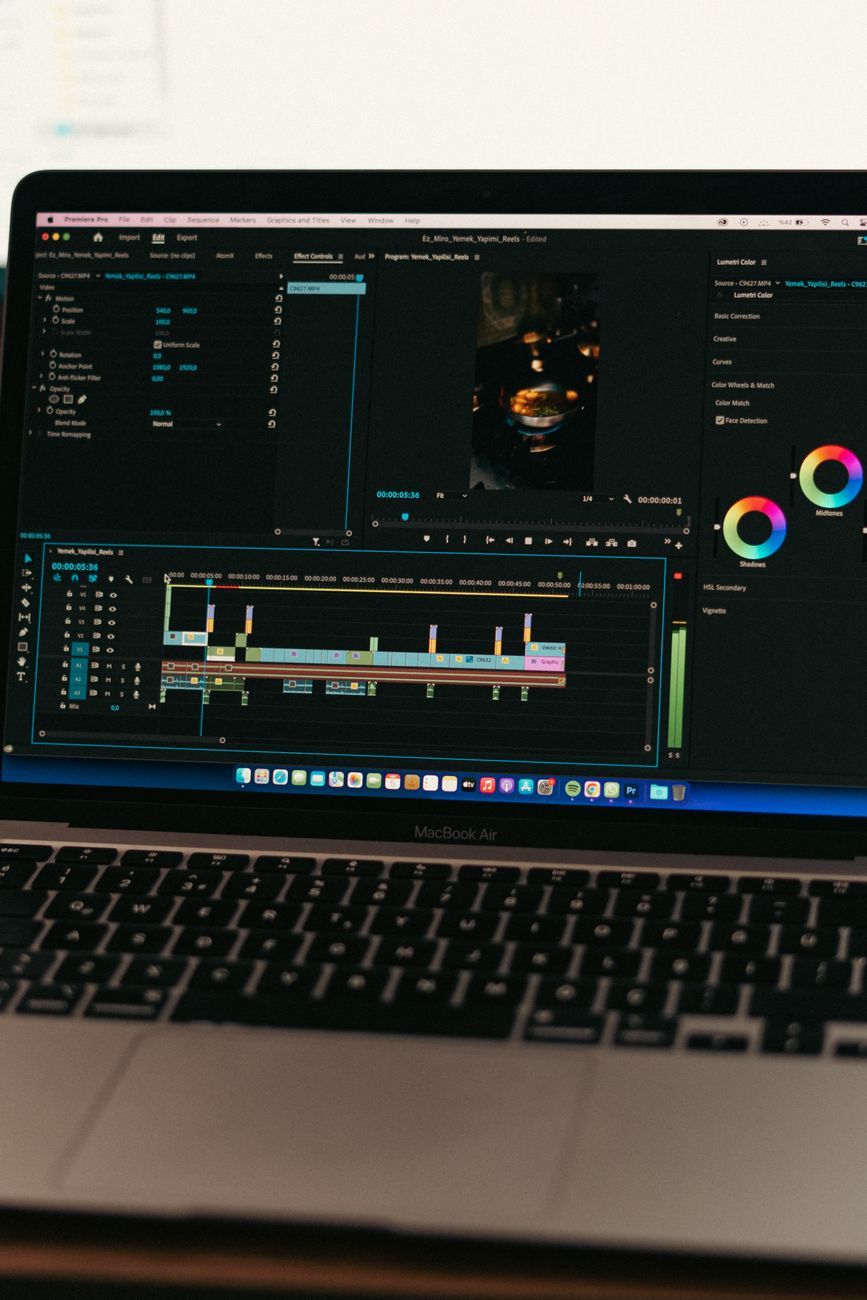
A comprehensive guide exploring how modern digital platforms structure navigation, onboarding, and primary usage models to maximize daily productivity.
The Evolution of Digital Navigation and Usage Paradigms
Navigating modern software platforms requires a clear understanding of interface architecture. Whether interacting with enterprise software or daily consumer applications, users encounter structured touchpoints designed to move them seamlessly from discovery to execution.,At the center of this ecosystem sits the homepage, serving as the central nervous system of any digital experience. From this anchor point, applications branch out into specialized workflows that address distinct operational demands, commonly divided into primary and secondary usage scenarios.
Deconstructing the Modern Homepage as an Operational Hub
A modern homepage is no longer just a passive welcome screen. Instead, it functions as an intelligent control panel that aggregates critical metrics, displays active tasks, and suggests the most logical next action for the user.,Effective homepages minimize cognitive load by organizing visual hierarchies around priority tasks. When designed correctly, they offer instant access to frequent actions while maintaining clear breadcrumbs back to core administrative or configuration settings.
Primary Implementation: Streamlining High-Frequency Tasks
Primary usage workflows represent the foundational actions that define an application’s purpose. These are the recurring, high-frequency procedures that users execute daily, such as data entry, team collaboration, or report generation.,Optimizing these primary paths involves eliminating redundant steps, leveraging intuitive keyboard shortcuts, and ensuring low-latency interactions. By reducing friction in routine operations, organizations see direct gains in overall throughput and user satisfaction.
Secondary Implementation: Advanced Capabilities and Periodic Configurations
While primary workflows handle daily volume, secondary usage patterns encompass periodic, specialized, or deep-dive functionalities. These typically include system maintenance, permission audits, custom integrations, and quarterly data exports.,Secondary workflows require robust documentation and clear contextual guidance. Because users interact with these features less frequently, intuitive self-service interfaces and contextual help prompts prevent errors and reduce support requests.
Connecting the Dots: Building a Unified User Journey
A successful digital platform unifies the homepage with both primary and secondary workflows through cohesive visual cues and consistent feedback loops. Predictable design systems allow users to navigate deep settings menus without losing orientation.,By implementing persistent navigational headers, progressive disclosure, and responsive search mechanisms, platforms ensure that transitions between basic overviews and complex operational tasks remain smooth and frictionless.
Conclusion
Optimizing interaction across primary workflows, specialized features, and central launch points is vital for modern software effectiveness.,By designing intentional paths from the homepage outward, platforms reduce friction, accelerate user proficiency, and unlock long-term productivity gains.
Image Credit:
Muhammed Çetinkaya
Optimizing Modern Web Applications: From Homepage Discovery to Core Usage Workflows
Read
Modern Software Integration: Architectural Patterns and Best Practices
Read
Optimizing Modern Web Applications: Balancing Homepage Experience with Deep Functional Workflows
ReadPut ideas to work.
If this sparked something, the next step is a short conversation.