Bridging Discovery and Implementation: Designing Impactful Technical Documentation from Homepage to Core Workflows
A comprehensive guide exploring how to architect technical documentation ecosystems, connect high-level product homepages to actionable implementation guides, and accelerate developer adoption. The Modern Documentation Journey: Aligning Discovery with Utility Building complex software is only half the battle; ensuring users can discover, understand, and apply your tool effectively determines its long-term success. The user journey …
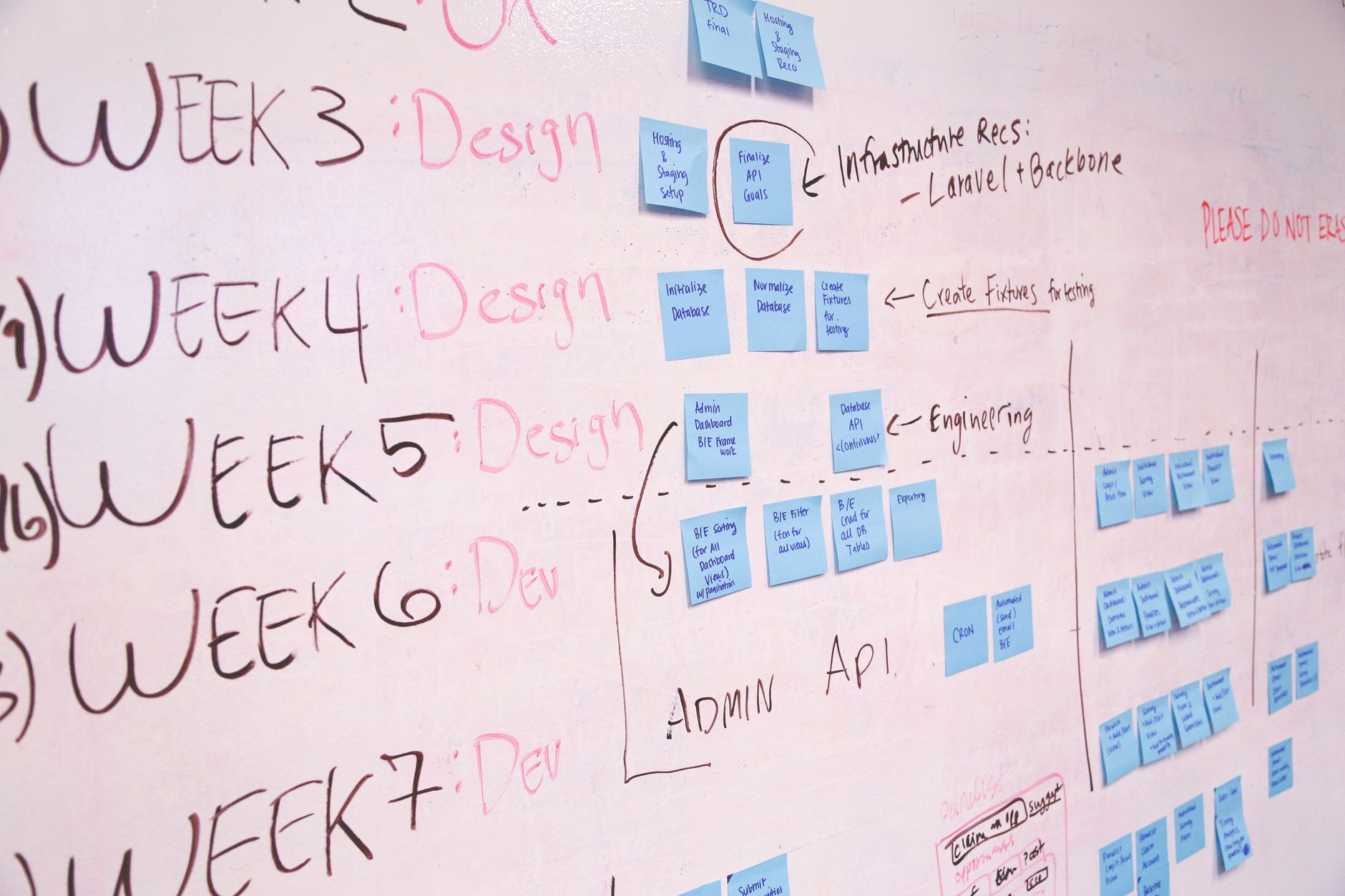
A comprehensive guide exploring how to architect technical documentation ecosystems, connect high-level product homepages to actionable implementation guides, and accelerate developer adoption.
The Modern Documentation Journey: Aligning Discovery with Utility
Building complex software is only half the battle; ensuring users can discover, understand, and apply your tool effectively determines its long-term success. The user journey typically begins on an introductory overview page or project homepage before cascading into practical, hands-on implementations.,When documentation fails, it rarely stems from missing code references. Instead, friction occurs because the transition between high-level architectural overviews and daily operational tasks is disjointed. Bridging this gap requires an intentional layout that matches user intent at each stage of product adoption.
Deconstructing the Technical Homepage: Establishing Context and Value
A project homepage serves as the central anchor for both prospective evaluators and returning developers. Its primary mission is to establish quick context, answering what the software accomplishes, which problems it resolves, and how it fits into modern tech stacks.,Effective documentation homepages prioritize clarity over marketing jargon. They feature clear installation commands, concise architecture summaries, and prominent pathways directing users toward primary usage scenarios. By presenting immediate entry points to key workflows, teams minimize bounce rates and accelerate time-to-first-hello-world.
Designing Primary Workflows: Foundational Usage Patterns
The first core implementation scenario—often designated as standard usage—must represent the most common entry point for a beginner. This section should eliminate non-essential configurations and guide the reader through an end-to-end execution of the baseline feature set.,For example, a database connector library should dedicate its primary usage guide to standard connection pooling, simple record retrieval, and graceful shutdowns. Walkthroughs must incorporate realistic data samples and reproducible code snippets, ensuring readers gain confidence through quick, friction-free verification.
Expanding to Secondary Workflows: Advanced Execution and Edge Cases
Once users master standard operations, their inquiries shift toward scaling, edge-case mitigation, and production resilience. The secondary usage tier tackles these advanced demands, detailing non-default parameters, integration patterns, and security considerations.,In this tier, documentation should explain how to intercept errors, apply custom middleware, or optimize performance under heavy concurrency. Providing explicit side-by-side comparisons between basic and advanced implementations helps developers choose the optimal approach without unnecessary refactoring.
Structuring Navigation and Maintainability Across Documentation Portals
Cohesive documentation demands rigorous information architecture. Group related tutorials hierarchically and preserve intuitive cross-linking between high-level landing pages and deep-dive technical references.,Automated linting for code snippets, continuous link validation, and systematic versioning guarantees that guides remain dependable over time. When engineers trust that code examples run out of the box, overall support overhead drops significantly.
Conclusion
A successful technical documentation portal acts as a progressive learning path rather than a static reference repository. By designing a clear homepage that branches seamlessly into foundational and advanced usage tutorials, you empower developers to move from initial evaluation to robust production deployment with confidence.,Evaluate your technical content continuously: gather user feedback, monitor drop-off points, and ensure every workflow example reflects genuine real-world software engineering practices.
Image Credit:
Startup Stock Photos
Optimizing Modern Web Applications: From Homepage Discovery to Core Usage Workflows
Read
Modern Software Integration: Architectural Patterns and Best Practices
Read
Optimizing Modern Web Applications: Balancing Homepage Experience with Deep Functional Workflows
ReadPut ideas to work.
If this sparked something, the next step is a short conversation.